 ROULETTE RPG
Build. Spin.
Battle.
Build your battle board with gear and skills. Let each spin decide your next move. Reshape your board and challenge powerful bosses in a dark fantasy RPG.
On the App Store · iPhone / iPadBuild your board. Spin. Take on bosses.
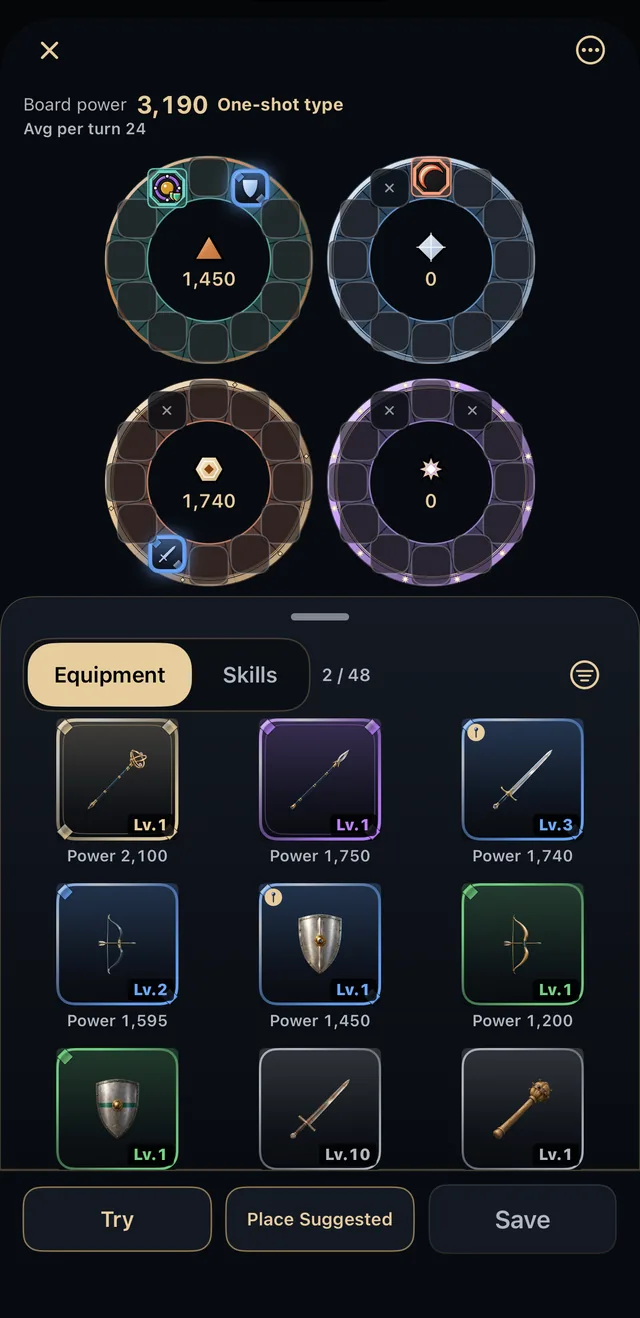
Build your board
Place gear and skills to shape what each spin can do.
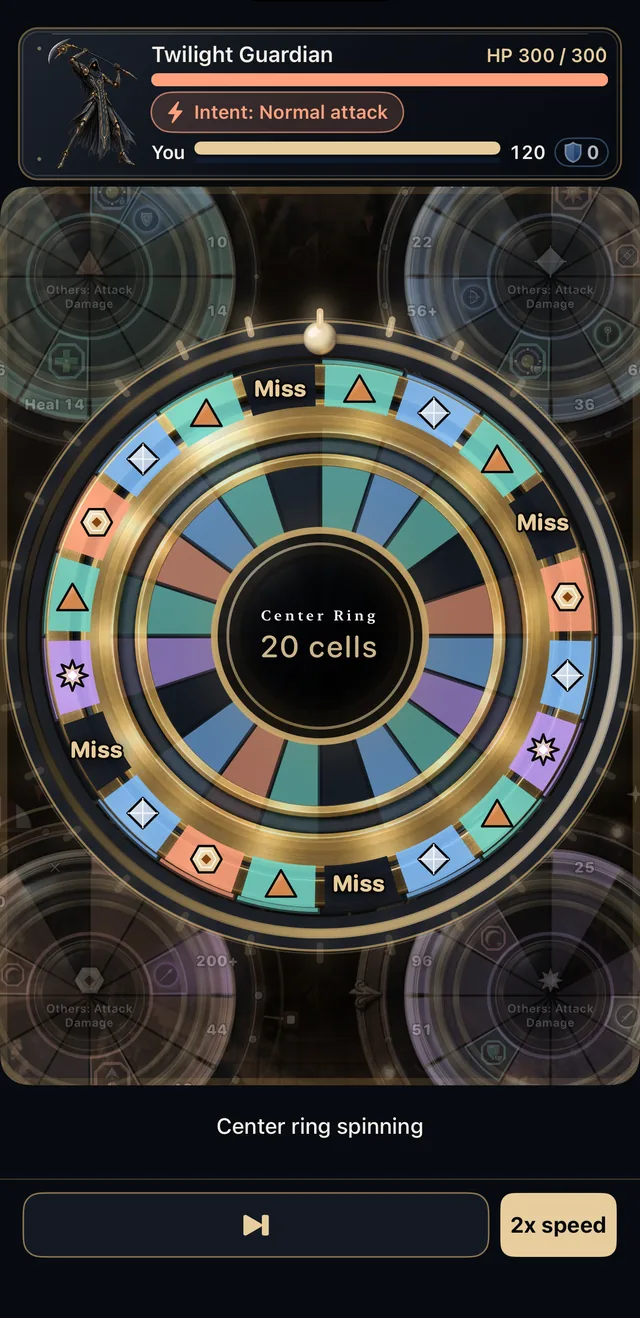
Spin to battle
The center wheel selects an outer wheel, whose result determines your action.
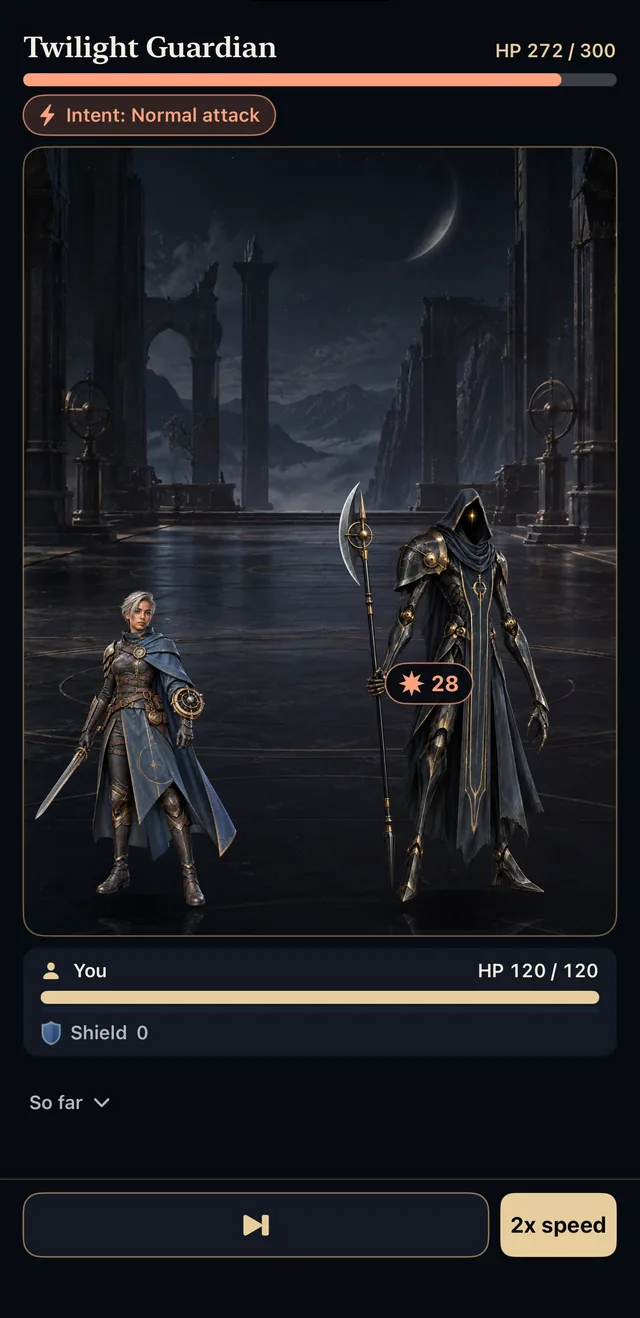
Take on bosses
Adapt your board to overcome their attacks and board corruption.
Watch the trailer
What is in the game
Play in English, Japanese, Korean, and Simplified or Traditional Chinese.
9 chapters, 72 stages
A story with bosses waiting in every chapter.
6 kinds of gear
Sword, Spear, Mace, Bow, Staff and Shield. Get them from the Starforge, level them up and limit break them.
24 skills
Three branches: attack, defense and support. Place them on your board to change how you fight.
Versus and friends
Fight other players' boards. Duel a friend or play co-op together.
Guilds
Join a guild and take part in the weekly guild war.
Daily rewards and events
A 28-day Login Bonus, the Reward Track, limited-time events and a weekly ranking.
Pricing
Free to download. Runs on iPhone and iPad with iOS 18.0 or later.
Voyager Pass is an auto-renewing weekly or monthly subscription. Each 24 hours of covered subscription time earns 75 G, plus 50 Obsidian on the weekly plan or 30 Obsidian on the monthly plan.
Optional in-app purchases include Obsidian packs, growth sets, and cosmetic items. G comes from play or from exchanging Obsidian at the published in-game rate. See the purchase screen for your local price. Manage or cancel subscriptions in your Apple account settings.
Optional purchases of randomized virtual equipment are available. Odds are shown in the game before purchase. In-game currency and items cannot be cashed out, traded or redeemed for real-world prizes.
Frequently asked questions
Is it free to play?
It is free to download. Optional in-app purchases are available.
Which devices are supported?
iPhone and iPad with iOS 18.0 or later.
Do I need an internet connection?
Yes. The game needs an internet connection to play.
Can I move my progress to a new device?
Tap the icon at the top right to open Profile, then use “Save Adventure with Apple” to link your Apple Account. On the new device, restore it from the same item.
A purchase did not arrive
Try “Restore Purchases” on the Workshop screen. If that does not help, contact info@astroft.com.
Available on the App Store
Build your battle board with gear and skills. Let each spin decide your next move. Reshape your board and challenge powerful bosses in a dark fantasy RPG.